
WhatsApp is a free, end-to-end encrypted messaging and Voice over IP (VoIP) service owned by Meta Platforms that connects over 3 billion users globally. Send text messages, voice notes, photos, videos, documents, and user locations. It Make free audio and video calls over the internet with up to 32 participants simultaneously. Built-in security ensures that only you and the person you are communicating with can read or listen to your messages and calls. It Create community or group conversations to connect with multiple people at once. It helps to Share a quick mood, emoji, or short status phrase at the top of chats. A separate, free-to-download app tailored for small business owners to automate and organize customer chats.
History of Whatsapp
WhatsApp was founded in January 2009 by former Yahoo! employees Jan Koum and Brian Acton, initially created not as a chat app, but as a status-updating utility for iPhone contacts. When Apple introduced push notifications later that year, Koum transformed it into a real-time messaging platform that allowed users to send text, images, and audio across different mobile operating systems using only a phone number instead of a password. The app grew rapidly through word-of-mouth and an ad-free, privacy-focused model, leading Facebook (now Meta) to acquire it in February 2014 for $19 billion. Over the years, WhatsApp expanded to include voice and video calling, end-to-end encryption, and enterprise tools via WhatsApp Business, eventually surpassing two billion active users globally.
Features that we are providing you:-

Keeps texts, media, and calls private so only you and the recipient can read or listen to them.
Use built-in AI for smart responses, chat assistance, image generation, and photo animation.
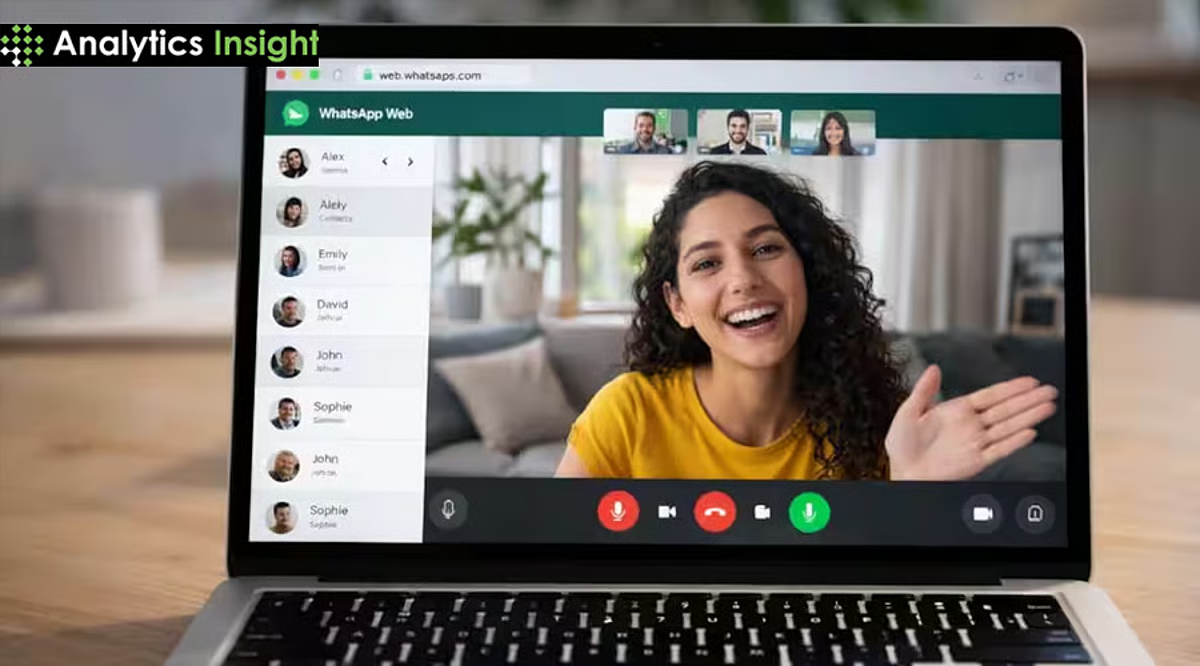
You can make easily video calls to your freinds and family more than two persons can join it.
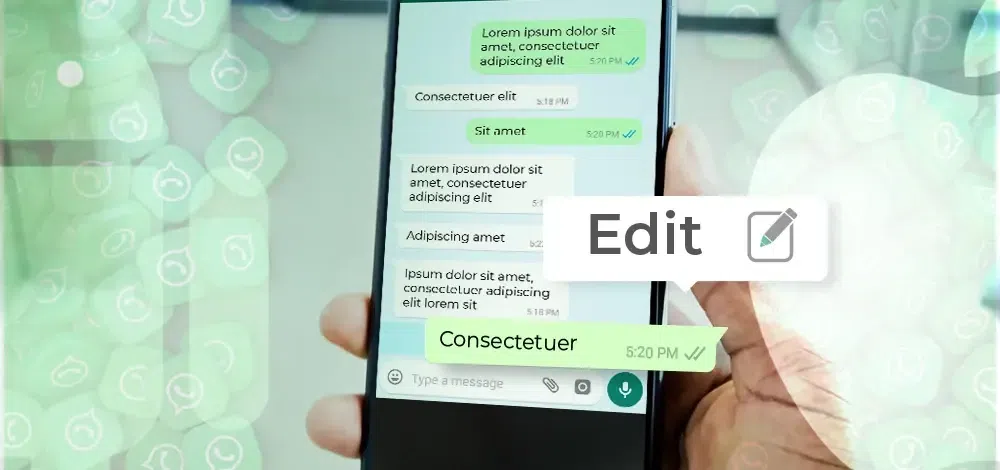
Edit sent messages within 15 minutes of sending. It is easy to edit your message if any mistake is done by you.
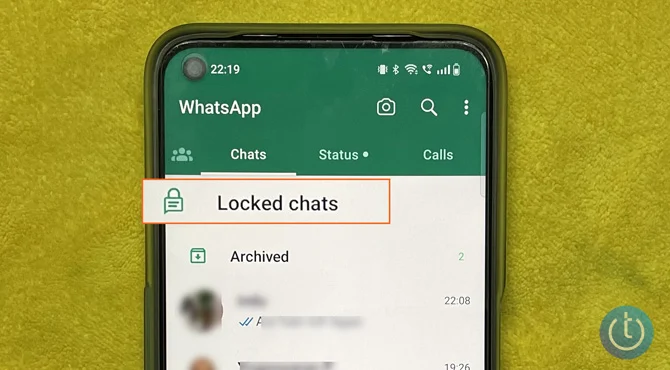
Hide and lock sensitive chats in a separate folder protected by your fingerprint, face ID, or device passcode.
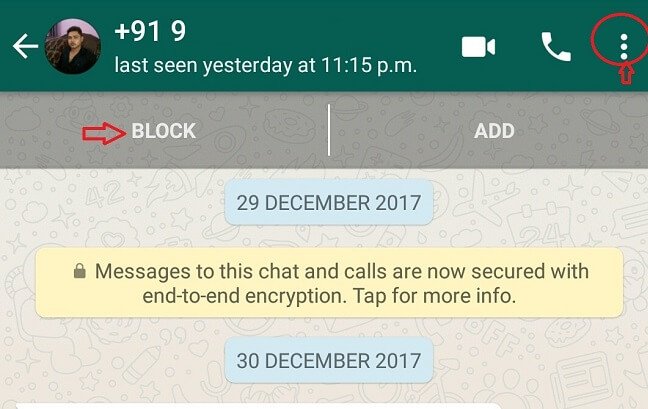
Automatically filter out high volumes of spam texts from unknown accounts. You can easily block your contanct that you want to block.
How can a person join Whatsapp?
To join WhatsApp, you need to download the app to your mobile phone and register with an active phone number.
Step-by-Step Setup Guide
Download the App: Get WhatsApp Messenger for free from the Google Play Store (for Android) or the Apple App Store (for iPhone).
Review Terms: Open the app, read the Terms of Service and Privacy Policy, and tap Agree and Continue.
Register Your Number: Select your country from the drop-down list to add your country code, then enter your phone number. Tap Next or Done.
Verify: WhatsApp will send you a 6-digit registration code via SMS or a phone call. Type in that 6-digit code to verify your account.
Set Up Your Profile: Type in your name (and optionally add a profile picture), then tap Next.
Allow Permissions: Grant the app permission to access your phone’s contacts and photos so you can chat with friends and share media.
After it, you can use whatsapp easily with your friend and family.